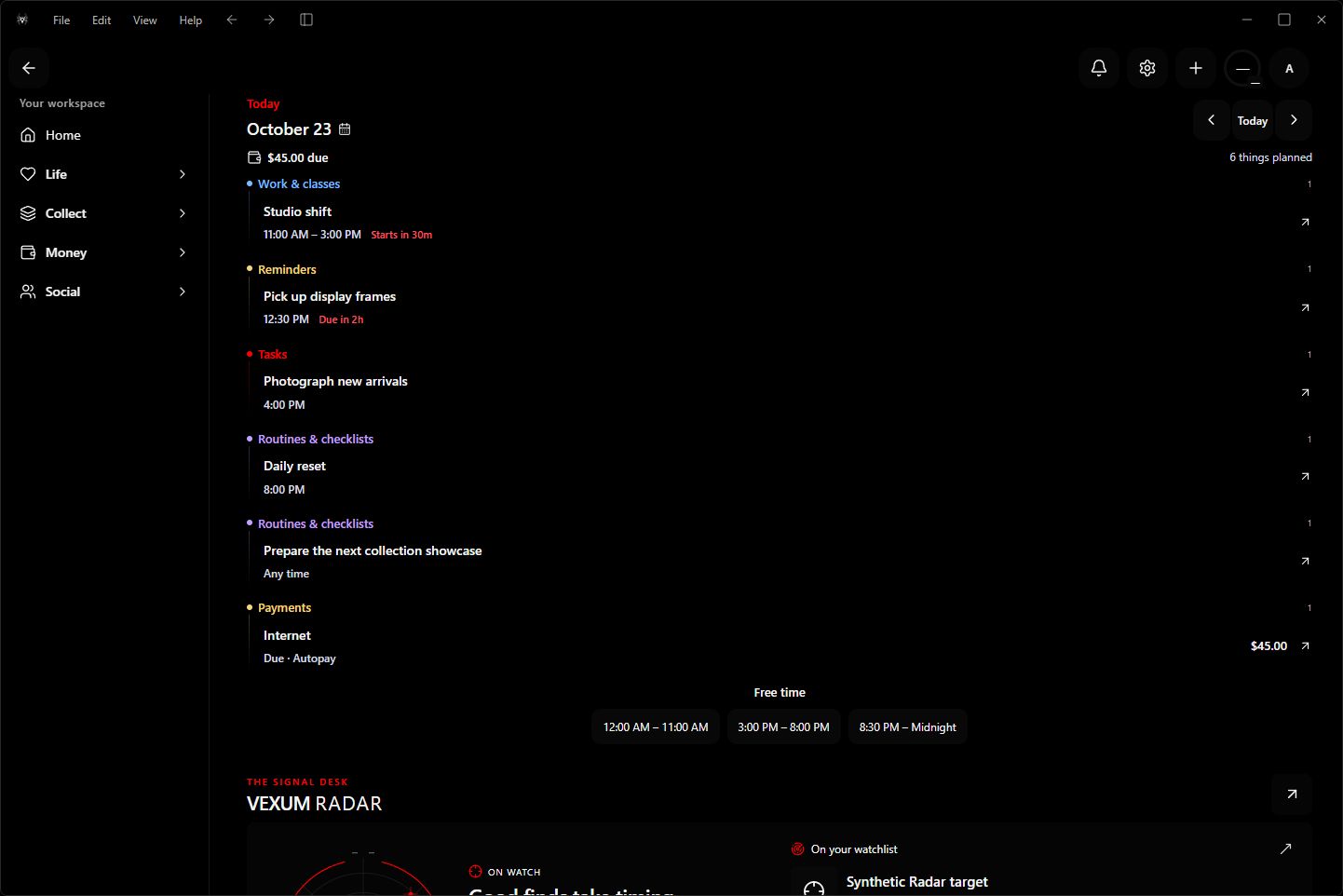
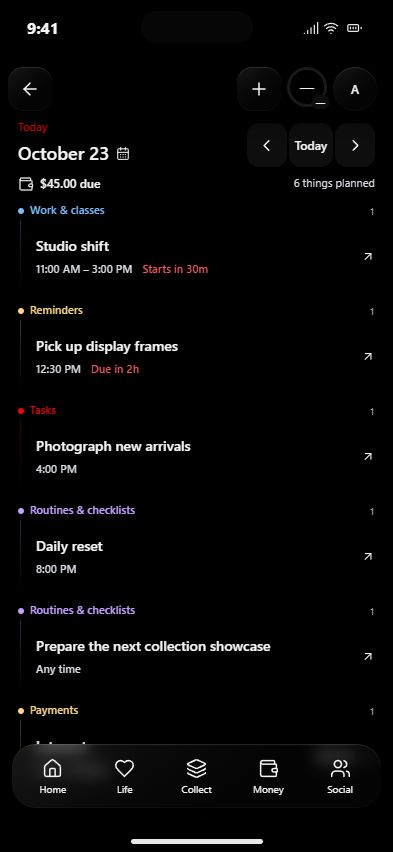
Your life.In focus. See what’s next. Know what you own. Keep your money in view. One connected workspace for the things that matter to you.
Made for your iPhone. Expanded for your PC.
iPhone + Windows. One VEXUM. Current app interfaces · Sample data · Click to enlarge. LESS SCATTERED. MORE YOU.
Your world, connected. A clearer day. Tasks, reminders, classes and plans. Your daily Brief brings the important things together.
Know what you own. Organize your collections, follow their value and make room for your next find.
See the bigger picture. Keep accounts, upcoming payments and debt in view, alongside the rest of your life.
A CLOSER LOOK
One app. Your whole picture. Actual app screens. Sample data.
YOUR SPACE, YOUR WAY
Make it feel like you. Choose your accent. Shape your Brief. Keep the views you use close. The same VEXUM identity, with a setup that fits your day.
TAKE YOUR WORLD WITH YOU
This is your VEXUM. One account. Two ways to make room.
Need help getting started? Contact support
A FEW THINGS TO KNOW
Before you jump in. Where can I get VEXUM? VEXUM Desktop is available from the Microsoft Store . The iPhone app is currently in TestFlight. Existing testers can install updates there; the public App Store release is coming soon.
Do I use the same account on both? Yes. Sign into the same VEXUM account to access your saved cloud workspace on iPhone and Windows. Use your phone for quick check-ins and your desktop when you want more space to organize.
Where can I find help and privacy information? Read our privacy policy for information about your data. For setup questions or help with VEXUM, contact support@vexum.app .